
A useful MEP design package explains what the building needs, shows where its services will go, and provides the calculations and product requirements behind those decisions. Mechanical, electrical and plumbing documents should develop together as the project moves towards procurement and construction.
This MEP design deliverables checklist helps project managers and procurement teams review that progress. It compares drawings, calculations, schedules and specifications by stage, then gives you practical checks for accepting a submission. Use it alongside the consultant’s appointment: the agreed scope, building use and local requirements determine what your project actually needs.
Start with a deliverables register. This is a list of expected documents, their responsible discipline, submission dates and review status. Agree it before the first design issue, so everyone understands what “complete” means.
For MEP design for commercial buildings, record the intended occupancy, operating hours, tenant arrangements and critical equipment. A multi-tenant office needs different assumptions from a restaurant or a retail unit, even when their floor areas are similar.
Confirm whether the appointment includes fire protection, fire alarm, controls, extra-low-voltage systems, authority submissions and utility coordination. Define interfaces with the architect, structural engineer, specialist suppliers and landlord.
Also agree the review process: who checks technical content, who accepts the stage, and who resolves comments. Request readable PDFs and specify any editable drawing, spreadsheet or model files in the contract. A file extension alone does not prove that the design is complete.
Use the following MEP design deliverables checklist as a recommended review framework. Stage names differ between contracts, and some projects combine stages. A tender package and an issued-for-construction package can contain similar documents, but their authorised purpose and outstanding decisions matter.
| Stage | Drawings | Calculations | Schedules and Specifications |
|---|---|---|---|
| Concept | System diagrams; indicative plant rooms, shafts and main routes. | Initial demand estimates with assumptions recorded. | System options, indicative capacities and outline performance requirements. |
| Developed Design | Proposed layouts, risers and key sections coordinated with available building space. | Updated loads and preliminary sizing based on agreed occupancy and architectural inputs. | Draft equipment lists, capacity ranges and materials or performance criteria. |
| Detailed Design | Dimensioned layouts, system diagrams, details and documented interfaces. | Checkable sizing reports using the current design inputs. | Equipment tags and duties aligned with drawings; developed materials, controls and testing requirements. |
| Tender Issue | A defined pricing set with consistent references and clearly identified exclusions. | Supporting design information with unresolved assumptions disclosed. | Coordinated specifications, equipment schedules and bill of quantities where appointed. |
| Construction Issue | Authorised design revisions incorporating agreed changes and resolved design comments. | Revised reports wherever changes affect sizing or performance. | Matching schedules and specifications; clear responsibility for remaining supplier details. |
At concept stage, ask whether the proposal reserves enough space for the selected systems and identifies decisions still needed from the client. Do not expect installation details for equipment that has not yet been selected.
At developed design, check whether the main routes and capacities can fit the architecture. At detailed design, require a traceable relationship between system sizing, layouts and equipment duties. Tender reviewers should focus on whether bidders can price the same defined scope.
Pakistan’s FBR consultancy tender provides a local example of separating preliminary design, detailed design, tender documentation and handover packages. It is an example of procurement
practice, not a universal deliverables standard. See the official FBR consultancy scope for its stage descriptions.
For construction issues, verify the authorisation and revision status rather than relying on a percentage-complete label. List any deferred vendor information explicitly. Consultant design drawings do not automatically replace contractor fabrication details, installation coordination or verified as-built records.
Apply an MEP drawings checklist to each system included in the appointment. Look for readable symbols, consistent equipment identifiers, dimensions where needed, and references to supporting details. Floor plans alone rarely explain every connection.
Request cooling and ventilation layouts, duct or pipe routes, equipment locations and relevant system schematics. Check supply, return and extract arrangements where included. Ask for sections through congested ceiling areas and plant spaces, together with maintenance access and equipment replacement routes.
Where a plant item connects to other disciplines, its power, drainage and controls requirements should be identifiable. Ask the designer to show these interfaces clearly rather than leaving another team to infer them.
Review the incoming supply arrangement, single-line diagrams, distribution boards, lighting and socket layouts, and main cable routes. A single-line diagram summarises the electrical distribution connections. Identify normal, backup and essential supplies where those systems are part of the brief.
Check earthing provisions and the coordination of electrical rooms, ceiling devices and equipment connections. The technical reviewer should verify design adequacy; the project manager should confirm that the required evidence is present and current.
Review plumbing design drawings for supply routes, sanitary drainage, rainwater systems and relevant riser diagrams. A riser shows how services connect between levels. Request pipe sizes, connection references and levels or gradients where they are necessary to explain the design.
Check the interfaces around tanks, pumps, wet areas and external connections. Existing site services should be supported by survey information or clearly identified assumptions, especially for refurbishment projects.
Where included, request fire system layouts, schematics and the supporting design basis. Define who prepares detection, alarm and control interfaces. Relevant operating sequences
Where included, request fire system layouts, schematics and the supporting design basis. Define who prepares detection, alarm and control interfaces. Relevant operating sequences should explain how connected equipment responds, with specialist review and local authority requirements addressed by the appointed team.
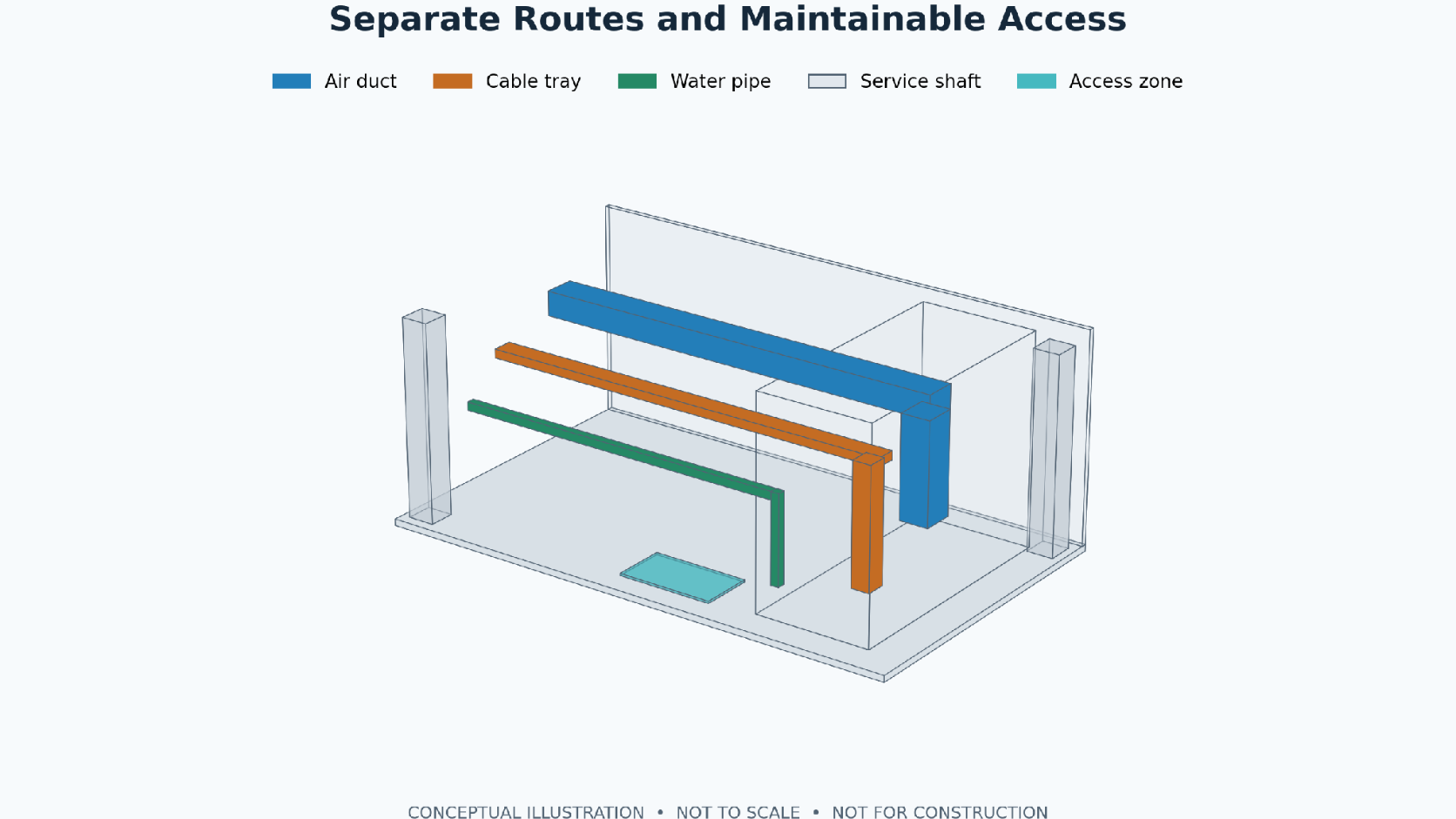
Drawings tell you where equipment goes. Calculations explain its duty. Schedules identify what is required, while specifications define the performance, materials and workmanship expected. Review these documents as one package.
For HVAC design calculations, request the weather location, occupancy, operating schedules, envelope assumptions and ventilation inputs. Check that room names and areas match the architectural revision used. Ask the engineer to explain changes when the latest layouts differ from the calculation model.
An electrical load schedule should identify connected loads and the assumptions used to establish demand. Check that mechanical equipment loads appear in the electrical information and that any backup supply assumptions match the client’s operating requirements.
MEP equipment schedules should use the same tags as the drawings. Depending on the equipment, useful fields include capacity, flow, pressure, electrical input, location and control requirements. Ask the technical reviewer to confirm which fields are necessary for selection and procurement.
MEP technical specifications should state measurable requirements and identify applicable installation, inspection, testing and commissioning provisions. Avoid accepting a generic specification that describes systems absent from the drawings or omits those actually proposed.
Choose one equipment item and follow it across the package. For example, trace a ventilation fan from its calculation to its schedule, layout, electrical connection and control sequence. Record any mismatch against the exact document reference. The same method helps identify gaps in pump and air-conditioning packages.
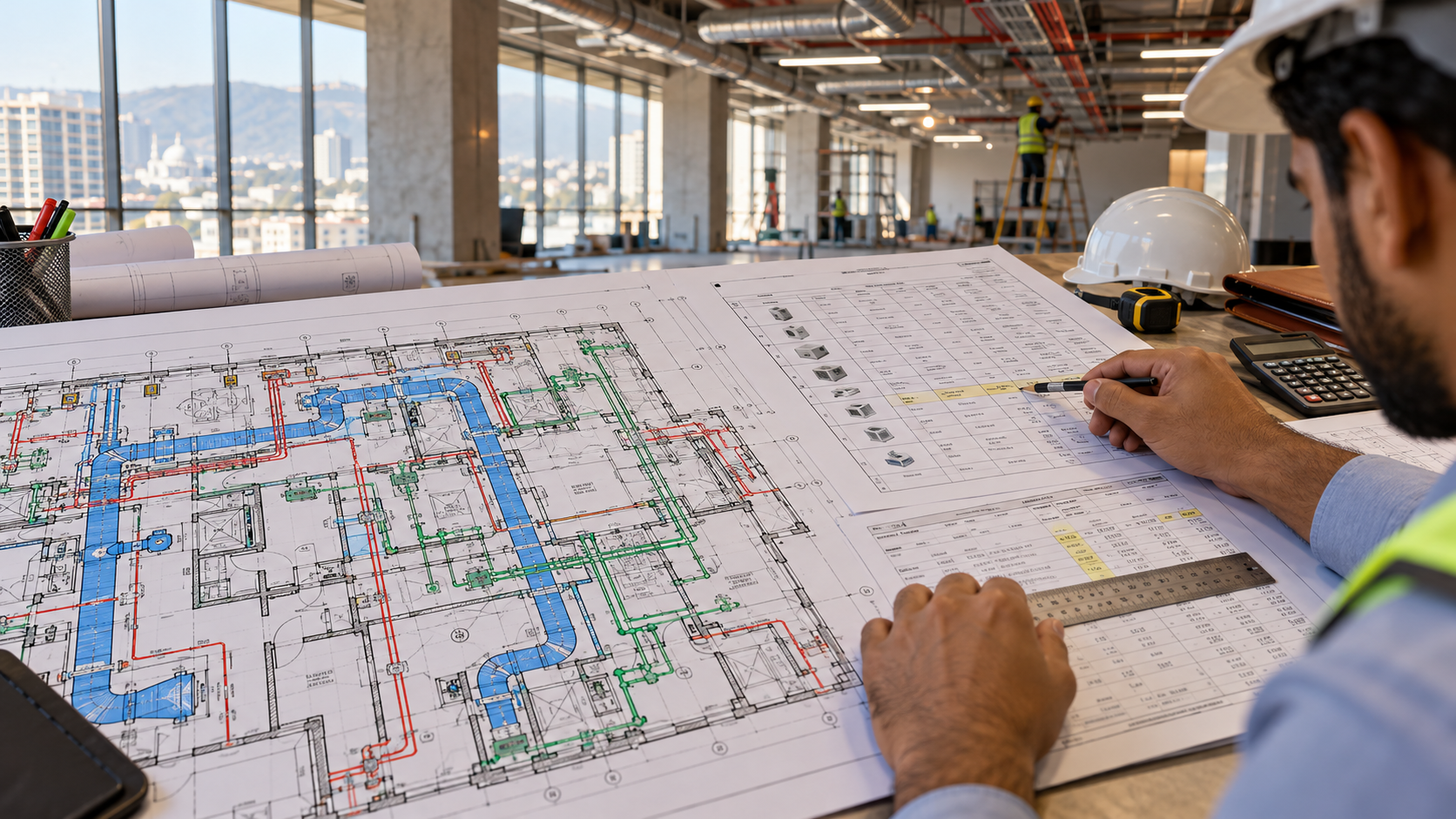
Location should be an input to the design, not simply a word on the cover. Ask for the project’s weather data, available utility information and the assumptions behind water storage, power continuity and drainage connections. Confirm each item for the actual site.
Identify the approving authority and the person responsible for submissions. Requirements can depend on the development, its location and its use. Record required submissions, review comments and approval evidence separately from internal design acceptance.
The Pakistan Engineering Council publishes the Building Code of Pakistan Fire Safety Provisions 2016, whose notification assigns enforcement to authorities within their respective jurisdictions. Ask the appointed engineer to confirm the current applicable provisions and local submission requirements. This checklist does not establish compliance or substitute for an approval.
Podium’s design and engineering services page describes multidisciplinary coordination for Pakistan projects. Agree how architectural and structural revisions will reach the MEP team, including the date on which changed inputs must be incorporated.
Before accepting a submission, use this MEP design deliverables checklist to record gaps and assign actions. Separate receipt of a document from technical acceptance. A submitted file may still need correction, clarification or specialist review.
| Check | Evidence to Request | Action If Missing |
|---|---|---|
| Scope coverage | Register covering every appointed system and deliverable. | Identify omissions and confirm the responsible party. |
| Revision alignment | Matching drawing, report and schedule references. | Request a reconciled issue and change summary. |
| Design inputs | Recorded occupancy, layouts, utility and operating assumptions. | Obtain confirmation or retain an explicit open item. |
| Coordination | Key sections, interface records and review comment responses. | Assign unresolved interfaces to named owners. |
| Pricing readiness | Aligned drawings, specifications and quantities were included. | Clarify ambiguous scope before requesting comparable bids. |
| Release status | Issue purpose, checker, authorisation and remaining limitations. | Confirm permitted use before procurement or site release. |
For every comment, record the document number, issue, required correction, owner and response date. Use the project’s agreed statuses, such as accepted, accepted with comments or revise and resubmit. Explain any conditions attached to acceptance.
Extra-low-voltage and ICT interfaces deserve their own responsibility record where relevant. Define cable pathways, equipment space, power and network responsibilities alongside the main services, using the project’s agreed scope.
Imagine an office ventilation fan appears under one tag in the ceiling plan, while the schedule uses another tag and the electrical drawing shows no matching connection. This is a hypothetical review example, not a Podium project.
Record the affected references and ask the designers to confirm the intended item, reconcile its duties and update the linked documents. If a supplier selection changes the electrical input or dimensions, request the affected design checks again. Close the comment only when the revised package and response explain the resolution.
Use the MEP design deliverables checklist to agree responsibilities and review milestones before appointing a team. Discuss your commercial project with Podium’s MEP services team and confirm the project location, service availability and required package in writing.
Only if the appointment includes them. State who prepares installation and fabrication details, who reviews them, and which supplier information is needed. Consultant design drawings and contractor shop drawings serve different purposes.
A project may release defined early packages through its agreed approval process. Confirm the design basis, interfaces, technical authorisation and remaining risks before ordering. Clearly record which information is still outstanding for that package.
Request surveys and verification of retained systems, available capacity, connection points and site constraints. Identify inaccessible areas and uncertain records. The engineer should explain how these gaps affect the proposed design and further investigations.
Specify the files your team needs, such as CAD drawings, calculation spreadsheets or model files. Agree software versions, ownership, permitted use and supporting references. Also request a controlled PDF issue for clear document review.
Keep an assumptions register naming the missing input, responsible party and confirmation date. Ask the designer to explain affected documents and decisions. Update the package when information changes, following the agreed revision and approval process.